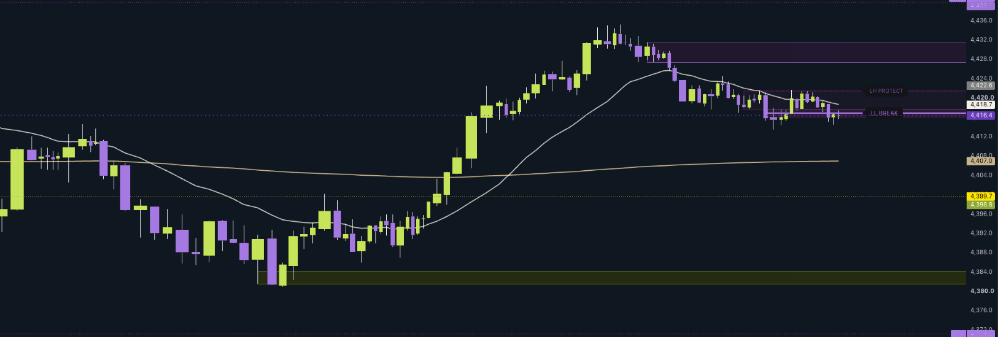
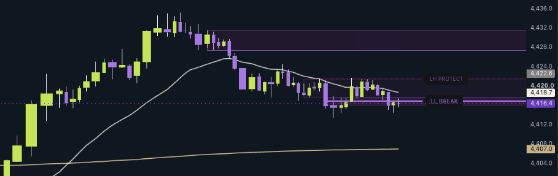


Establish the broader view.
Read broader directional context, local structure and estimated pressure. Keep the detailed trade plan on your execution chart.

Supply and demand, structural references, estimated pressure and a modeled trade plan. A focused workspace for evaluating futures pullbacks.
Explore an actual earlier interface, one feature at a time. These are guided stills—not live signals.
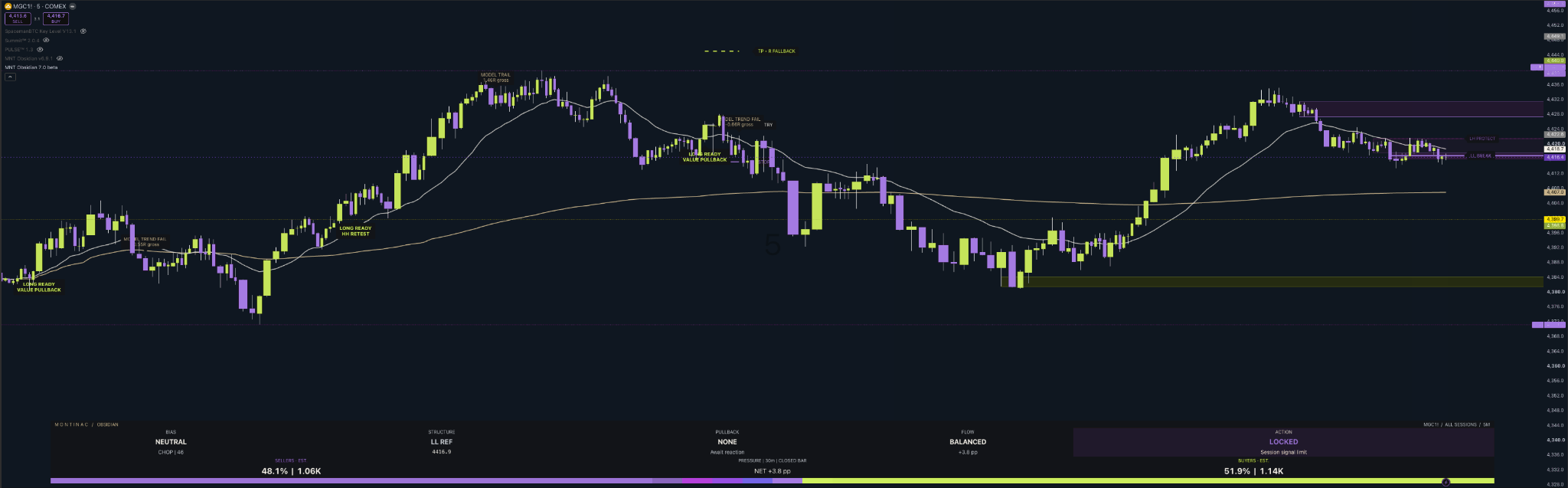
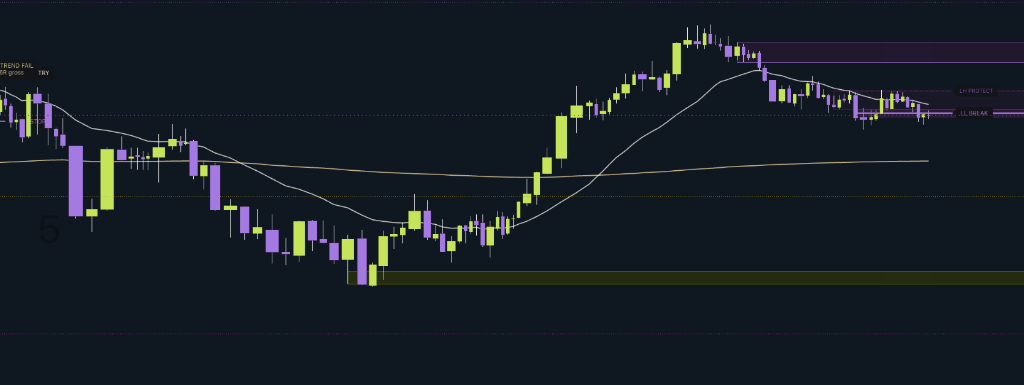
Lime demand and amethyst supply frame the recent price action. A zone is a reference to evaluate—not a promise that price will turn.
The break and protection rails make the current structural references visible. In the released build, a rail retest must occur after its break candle.
The lime–amethyst bar estimates buying and selling pressure from total candle volume and closing location. Developing readings can change before the close.
This saved view says LOCKED because its session signal limit was reached. It limits the indicator’s new signals—not your broker orders or account risk.
Earlier Obsidian v7.0 beta capture. The current product is v7.1; some details differ. Montinac colors applied. Guided stills, not a live chart, video or performance record.
Read broader directional context, local structure and estimated pressure. Keep the detailed trade plan on your execution chart.
After a qualifying completed-bar reaction, inspect READY and the modeled entry, stop, target and risk-limited quantity. Stops are your responsibility to place.
Local rails and estimated pressure provide timing evidence. This view does not create independent entries or share another chart’s private trade state.
Every available chart bar, with a configurable daily VWAP anchor.
Default analysis window: 09:00–15:30 in Tokyo time.
Default analysis window: 08:00–16:30 in London time.
Default analysis window: 08:00–16:00 in Eastern time.
Choose your hours and timezone. Initial preset: 08:30–16:00 Chicago.
READY signals belong to standard 5m charts of USD-quoted futures, with volume and a valid contract point value. Use 15m and 1m as reference views. Verify your contract, history, feed, costs and risk settings.
Obsidian does not read broker fills, place protective orders or enforce an account loss limit. A fallback target means no opposing zone was detected—not that price has unlimited room.
The session presets are editable analysis windows, not official exchange or holiday calendars. Developing readings can change until close; a heuristic rule score is not a winning probability.
Earlier v7.0 beta screenshots, retained as interface examples. Current release: v7.1.
Obsidian only, for one TradingView account.
Manual authorization after payment verification.
Renews monthly. Cancel before renewal.
Save $169 versus twelve monthly payments.
Ongoing Obsidian access under the published service terms.
USD before applicable tax. Annual access is charged $299 each year. Lifetime is one $749 payment for Obsidian under the service terms. Summit and future products are not included.
No. Summit and Obsidian are separate products with different jobs. Choose Summit for market context and readiness, or Obsidian for structure-based futures pullbacks. Each plan covers the named indicator only.
We verify your paid order and the TradingView username you provide, then manually authorize that account. Payment does not instantly install the indicator. Keep your receipt and use My access or contact support for access questions.
No. A TradingView account is required. Any applicable TradingView subscription, real-time data, broker service or exchange fee is separate. Check the chart and alert capacity of your own plan before purchase.
No. Monthly, annual and lifetime options include the complete selected indicator while access is active. Monthly and annual plans renew until canceled. Lifetime is one payment for ongoing access to that indicator and eligible updates under the service terms; it does not include other or future products.
No. These are analysis tools. You control entries, exits and protective orders. Scores are not winning probabilities; Obsidian’s plans are model references, not broker fills or protected positions. Review the risk disclosure.
Monthly and annual subscriptions can be canceled before renewal, with access through the paid period. Review the current refund policy before purchasing. Contact support for account assistance.